Brand Typography: The Design Decision You're Probably Getting Wrong
Typography covers more visual surface area than your logo and colors combined. Here's how to pick fonts, pair them, build a type scale, and implement them without losing your brand in the process.
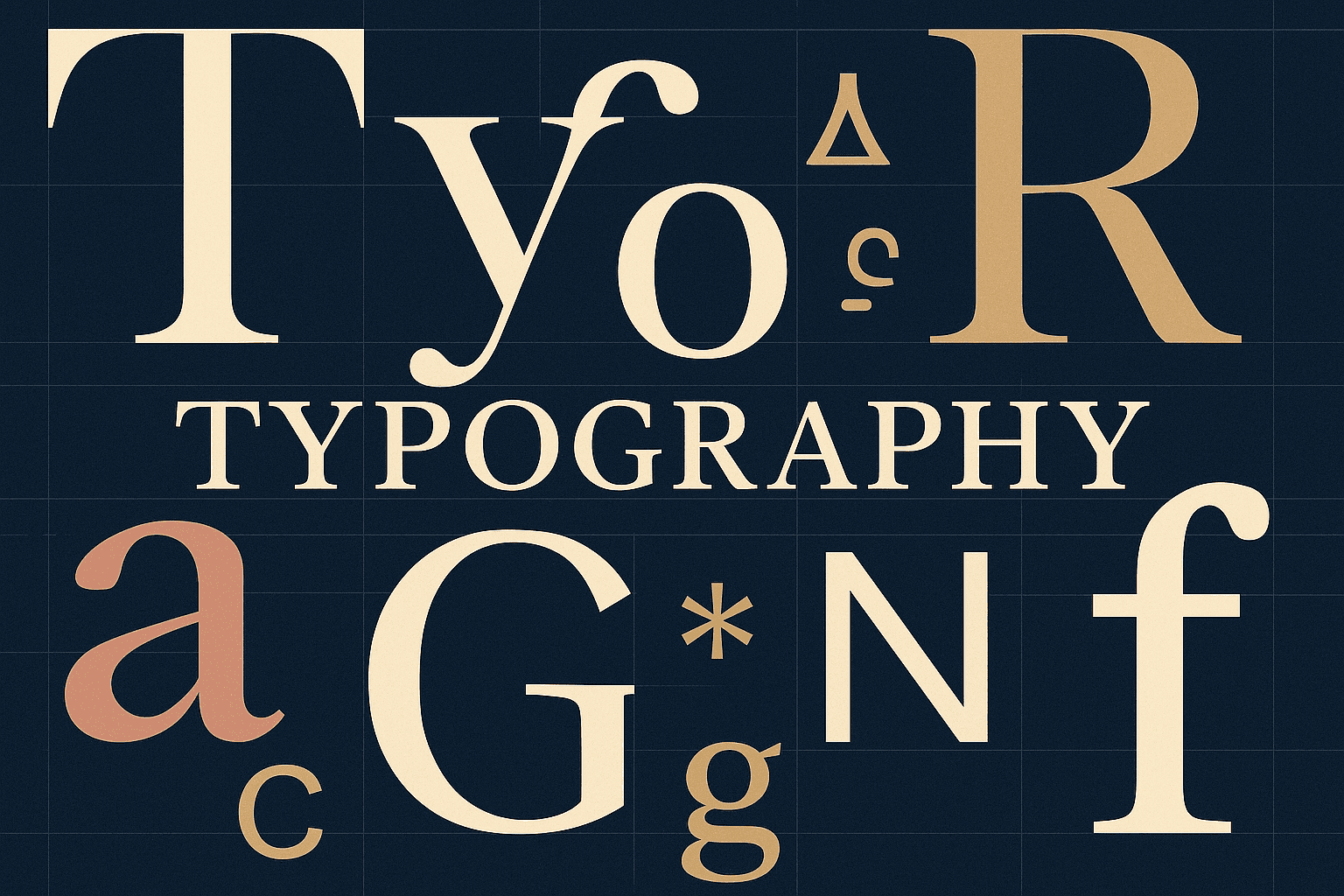
Your logo appears in the corner of a page. Your colors fill backgrounds and accents. But your typefaces appear on every word of every sentence on every page — emails, proposals, social posts, invoices, product interfaces, pitch decks. No other brand element has that kind of reach.
And yet, most founders treat font selection as an afterthought. They pick something that "looks nice," add a second font because someone said you need two, and move on. The result is a brand that feels subtly off at every touchpoint — and nobody can explain why.
Typography isn't a finishing touch. It's your brand personality expressed at the sentence level, across everything you produce.
Why Font Pairing Is Harder Than It Looks
Most brands use two typefaces: one for headings, one for body text. The pairing needs to create both contrast (so headings stand out) and harmony (so they feel like they belong together). Get it wrong, and readers feel the friction even if they can't name it.
The failures fall into predictable patterns. Two fonts that look too similar (Helvetica and Arial) read as a mistake, not a design choice. Two fonts that are wildly different (a whimsical script next to a rigid geometric sans) fight each other instead of building hierarchy. And fonts with conflicting moods — say, a playful heading font with a formal body font — send mixed signals about who you are.
Here are the pairing strategies that actually work:
Serif + Sans-Serif is the most reliable combination. Playfair Display paired with Source Sans Pro creates an editorial, elegant feel. Lora with Open Sans reads as warm and literary. The serif adds personality to headings; the sans-serif keeps body text clean.
Two Sans-Serifs is the modern default, but it requires choosing fonts with genuinely different personalities. Poppins (geometric, warm) paired with Inter (neutral, humanist) works because they contrast structurally while sharing compatible proportions. The rule: pair a geometric sans with a humanist or grotesque sans. Never pair two geometrics.
Display + Neutral uses a distinctive display font sparingly for large headings, paired with a versatile workhorse for everything else. Bebas Neue with Open Sans gives you bold, industrial impact without sacrificing readability. But display fonts carry risk — they look odd at smaller sizes, so restrict them to H1 and hero sections only.
Start With the Body Font, Not the Headline
Most people choose fonts backward. They pick the exciting headline font first and then scramble for something that "goes with it." Flip that.
Your body font is the workhorse — it appears more than anything else. Choose it for readability first, personality second. You need clear letterforms at 14-16px, comfortable reading at paragraph length, a good weight range (at least Regular and Bold), and generous language support.
Once the body font is locked, find a heading complement that creates the right contrast: different category (serif vs. sans) for maximum distinction, similar x-height proportions, and a compatible mood.
Then test the pairing in a realistic layout — not just two font names next to each other on a slide. Set up a heading followed by body text at multiple sizes. Does the hierarchy feel natural? Can you tell the fonts apart without effort? If you have to squint to see the difference, they're too similar. If they feel like two different documents merged together, they're too different.
The final check: can you explain in one sentence why these fonts work together? "Poppins' geometric warmth pairs with Inter's neutral clarity for readability with personality." If you can't articulate the rationale, reconsider the pairing.
Build a Type Scale (Not Just a List of Sizes)
A type scale isn't a random collection of font sizes. It's a hierarchy system that tells every piece of content how important it is — and tells every reader where to look first, second, and third.
The standard digital type scale follows a ratio of roughly 1.5x between major levels:
| Level | Size | Weight | Use Case | |-------|------|--------|----------| | Display | 72px | Bold | Hero sections, landing pages | | H1 | 48px | Semibold | Page titles | | H2 | 36px | Semibold | Section headings | | H3 | 24px | Medium | Subsection titles | | Body | 16px | Regular | Paragraphs, descriptions | | Small | 14px | Regular | Supporting text, metadata | | Caption | 12px | Regular | Labels, footnotes |
These numbers aren't arbitrary. The 1.5x ratio is close to the musical "perfect fourth" — a mathematically harmonious interval that creates visual rhythm. You can adjust the ratio to match your brand's personality: tighter (1.25x) for dense, utilitarian UIs; wider (1.618x, the golden ratio) for dramatic editorial sites.
But the scale is only half the story. Line height is what separates professional typography from amateur. Large headings need tight line height (1.1x) because the text has built-in optical spacing. Body text needs loose line height (1.5x) for comfortable reading. Getting this backward — loose headings and tight body text — is one of the most common typography mistakes, and it makes everything feel slightly wrong.
Letter spacing follows a similar pattern: tighten large headings slightly (-0.02em), leave body text at default, and widen anything set in ALL CAPS (0.05em minimum). Capitals have more built-in space between letters, and without extra tracking they feel cramped and hard to read.
The Font You Don't Need to Pay For
Spotify used Circular for years before commissioning a custom typeface called Spotify Mix. Netflix developed Netflix Sans to replace Gotham. Apple built San Francisco. These are impressive — and completely irrelevant for most brands.
Here's the decision framework: if you're pre-revenue, in MVP stage, or typography isn't a competitive differentiator for your business, use Google Fonts. Inter, Poppins, Work Sans, DM Sans — these are professionally designed, free, well-documented, and supported everywhere.
The common objection is that popular Google Fonts lose distinctiveness through overuse. That's true — Inter appears on millions of websites. But the fix isn't spending $20,000 on a custom typeface. The fix is choosing less popular Google Fonts with strong character: Sora, Space Grotesk, Outfit, or Bricolage Grotesque. Distinctive personality without the ubiquity.
Reserve custom typography for when you've reached the stage where licensing costs approach custom development costs, where typographic uniqueness is a genuine brand differentiator, and where you'll use the typeface for five or more years across all touchpoints. For everyone else, a well-chosen Google Font paired intentionally is more than enough.
Responsive Typography Is Non-Negotiable
A type scale designed for desktop doesn't work on mobile. A 72px display heading that looks commanding on a wide screen overwhelms a phone. The scale needs to compress — but intelligently.
The key rule: body text stays the same size everywhere. Sixteen pixels is already the minimum comfortable reading size. Only headings scale down, and the hierarchy must be preserved at every breakpoint. H1 should still be noticeably larger than H2 on mobile, even if both are smaller than their desktop equivalents.
In practice, display headings drop 35-45% on mobile (72px becomes 40-48px), H1 drops 25-33% (48px becomes 32-36px), and H3 barely changes (24px becomes 20-22px). Seven levels of hierarchy is already a lot — if you find yourself needing H4, H5, "Subtitle," and "Overline" to make things work, the problem isn't your type scale. It's your information architecture.
The Implementation Details That Actually Matter
The most beautiful type specimen is worthless if the developer implementing it has to guess. Two things prevent your typography from surviving contact with production code.
First, define CSS variables. Every font family, size, weight, and line height should be a named variable — --font-heading, --text-h1, --weight-semibold. Change it once, update everywhere. Without variables, developers hardcode magic numbers, and your type system fragments within weeks.
Second, specify your fallback stack. Web fonts fail. Networks are unreliable. Email clients strip custom fonts. When your beautiful heading font doesn't load, what shows up instead? If you haven't specified a fallback, the answer is probably Times New Roman — and your brand looks broken.
A proper fallback chain matches your brand font's personality: if your heading font is geometric (Poppins), your fallback should be geometric too (system UI fonts like SF Pro or Segoe UI). Document this explicitly. It's the least exciting part of typography and one of the most important.
Typography Is a System, Not a Choice
The difference between brands that feel polished and brands that feel amateur almost always comes down to typographic consistency. Not which font they picked — but whether they use it the same way everywhere.
Pick two fonts with a clear rationale. Build a type scale with intentional ratios. Define the implementation details. And then enforce it ruthlessly, because typography inconsistencies are subtle enough that nobody flags them in real time — they just accumulate until your brand feels off and nobody can say why.
Brand Manager generates font pairings as part of your complete brand identity — heading and body fonts selected to match your brand personality, with the type scale and implementation details built in. But whether you use a tool or do it manually, the principle is the same: treat typography as a system, not an afterthought.
Your fonts touch every word your brand produces. Make sure they're saying the right thing.